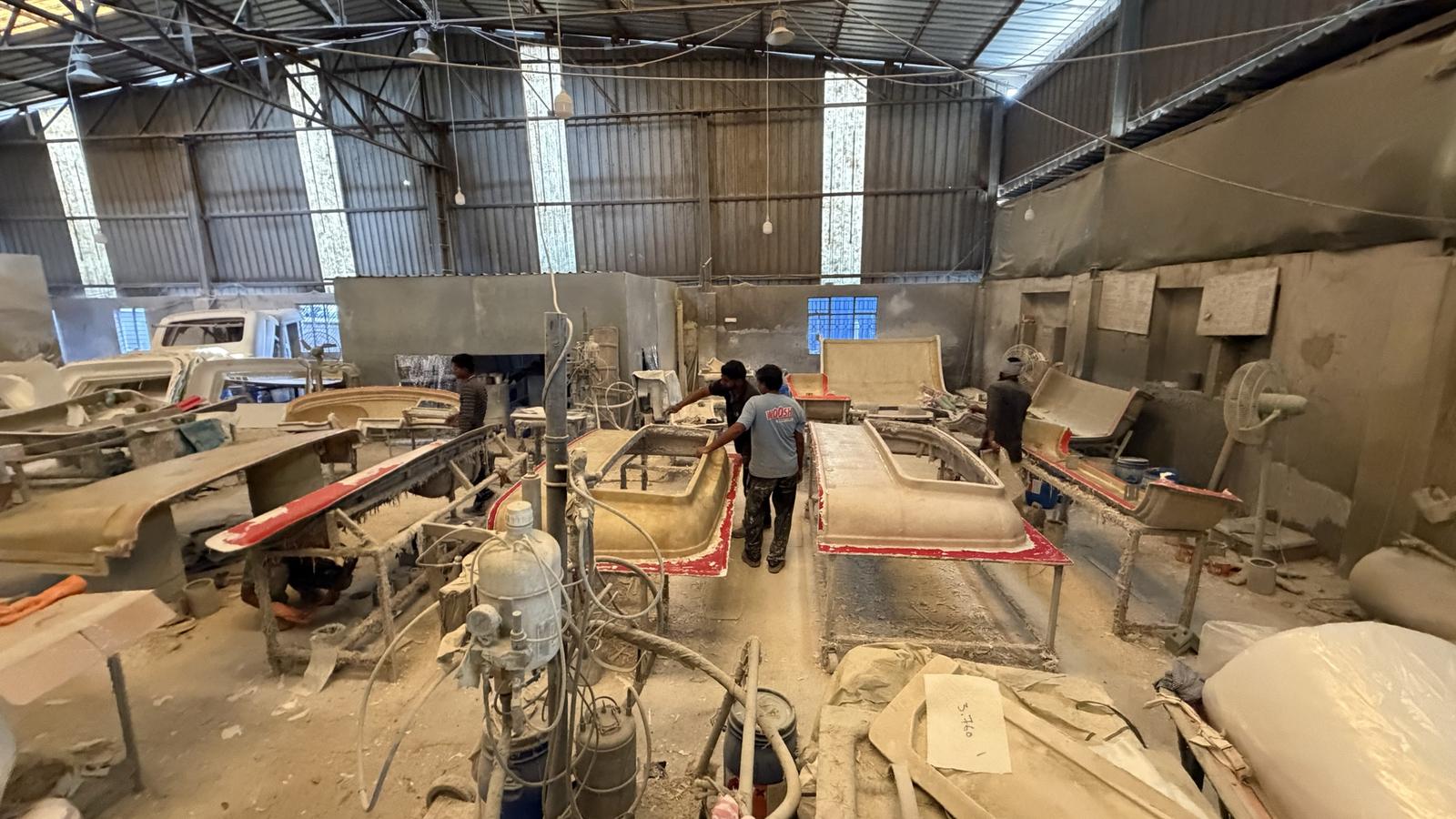
Vikas Composites makes fibreglass parts by hand in open moulds. We built them a system that checks every step on every mould, counts every can of resin and gelcoat, and raises an alert the moment something goes wrong.
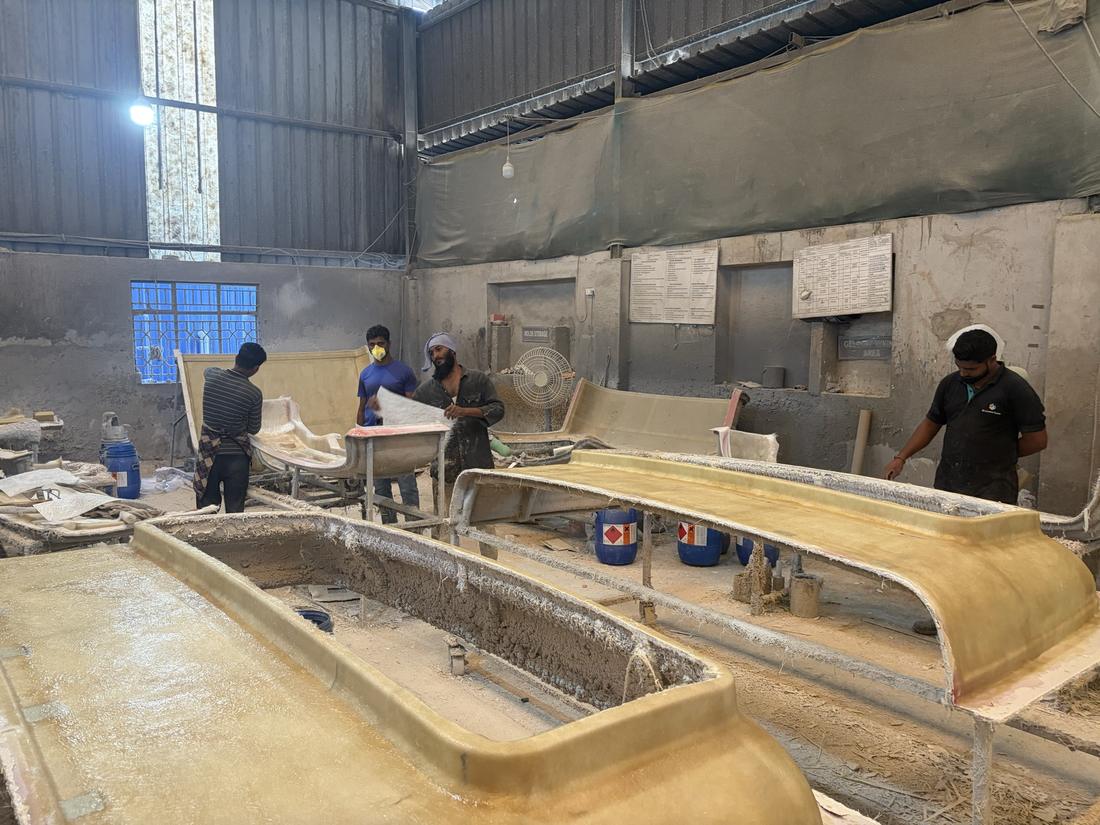
Every part needs mould prep, gelcoat, layup, curing, demoulding, trimming and inspection, in that order. Nobody knew a step was rushed or skipped until a part failed.
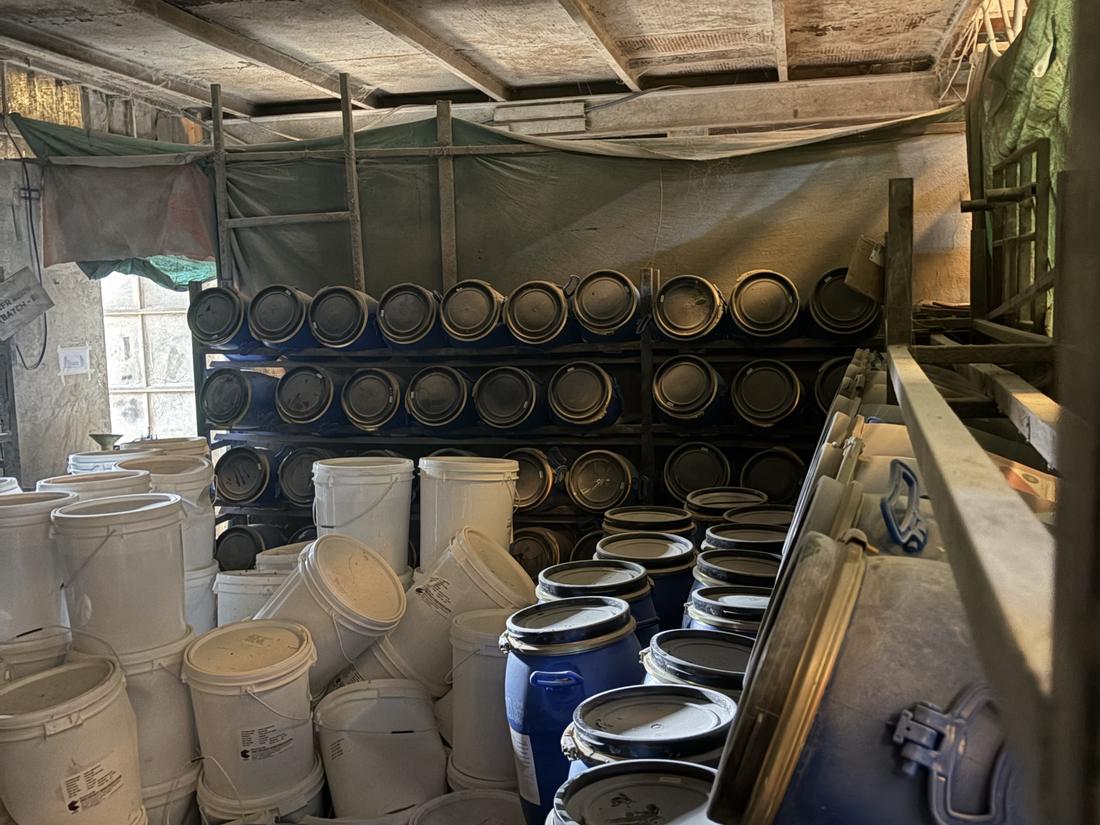
Pails and drums left the store all day with nothing written down, so the material used per part was a guess.
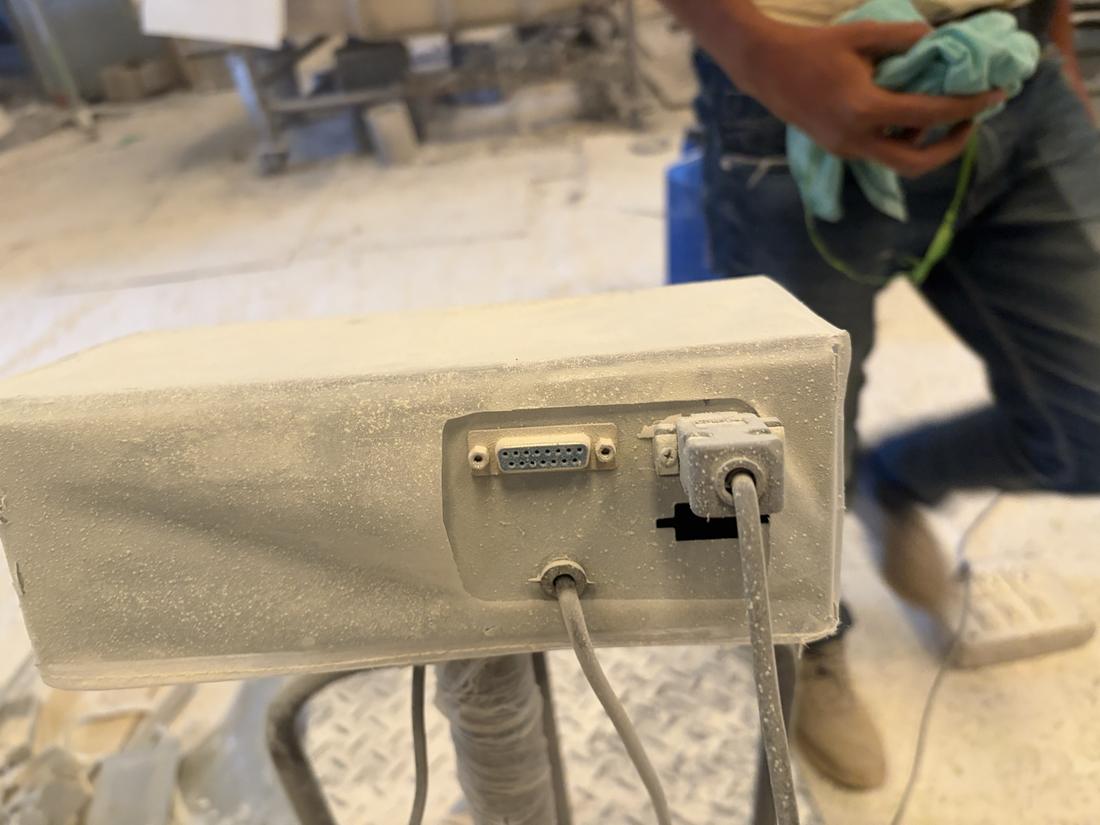
The weighing scale showed a reading on its display and nowhere else. No weight ever reached a report.
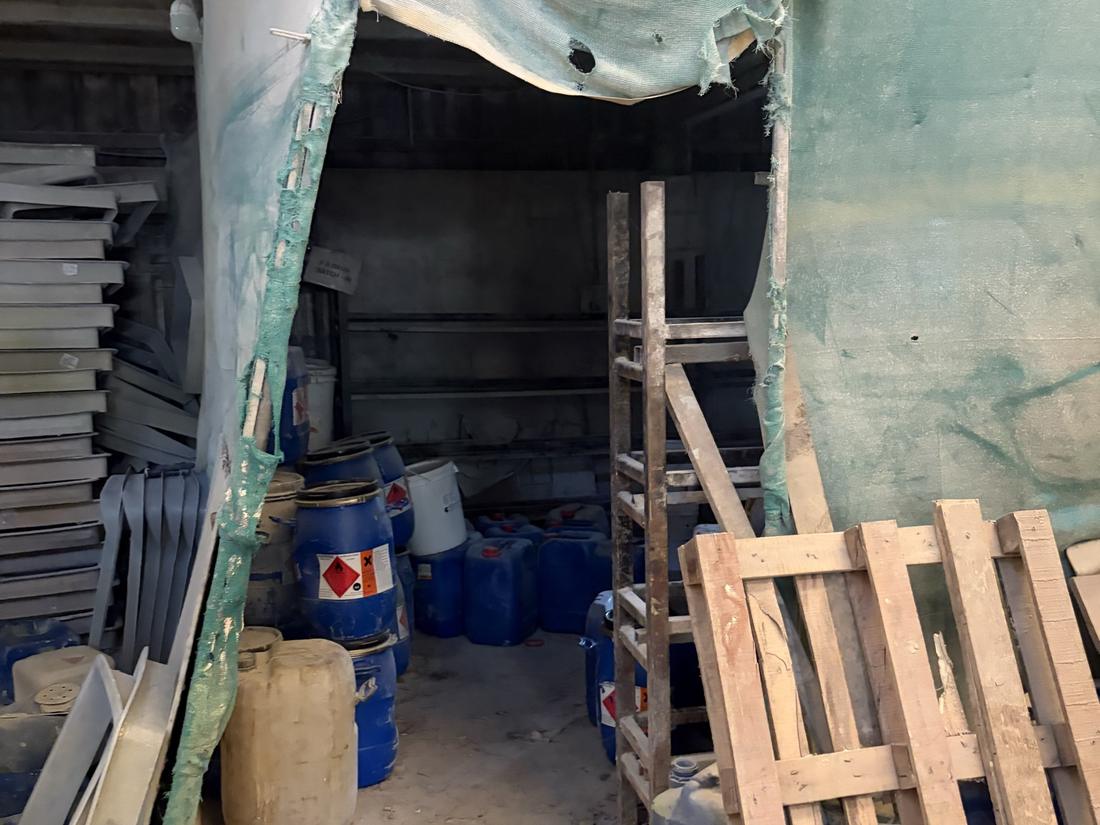
Hinges, latches and brackets were taken from the store counter without anyone checking what went out or where.
Every camera, scale and scanner plugs in here, one cable each
AI models watch every feed, 24×7, and count what they see
Only the counts, alerts and short clips go online
Open on any phone or laptop, from anywhere
The video never leaves the factory. The PC on site does all the watching, keeps working if the internet drops, and sends what it saw once it’s back.
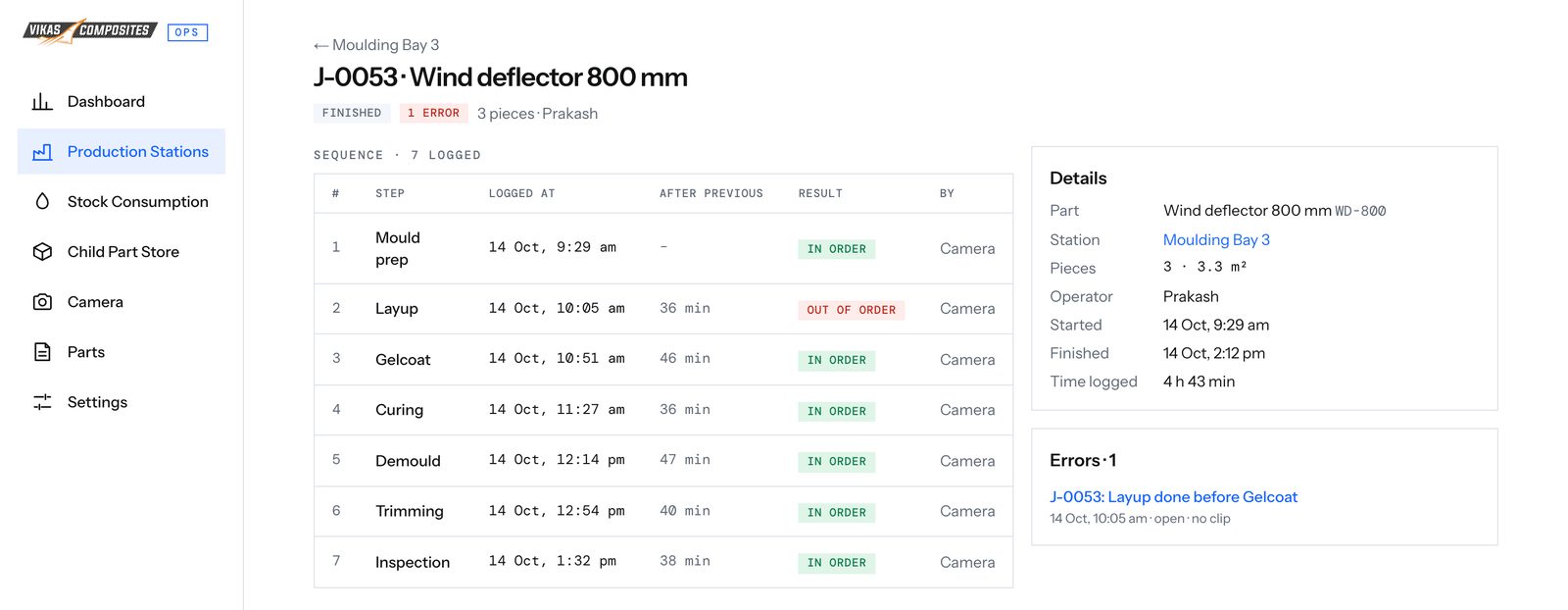
Each part has its own step sequence and minimum times. The camera over the moulds logs each step, and anything done out of order or too early is marked straight away.
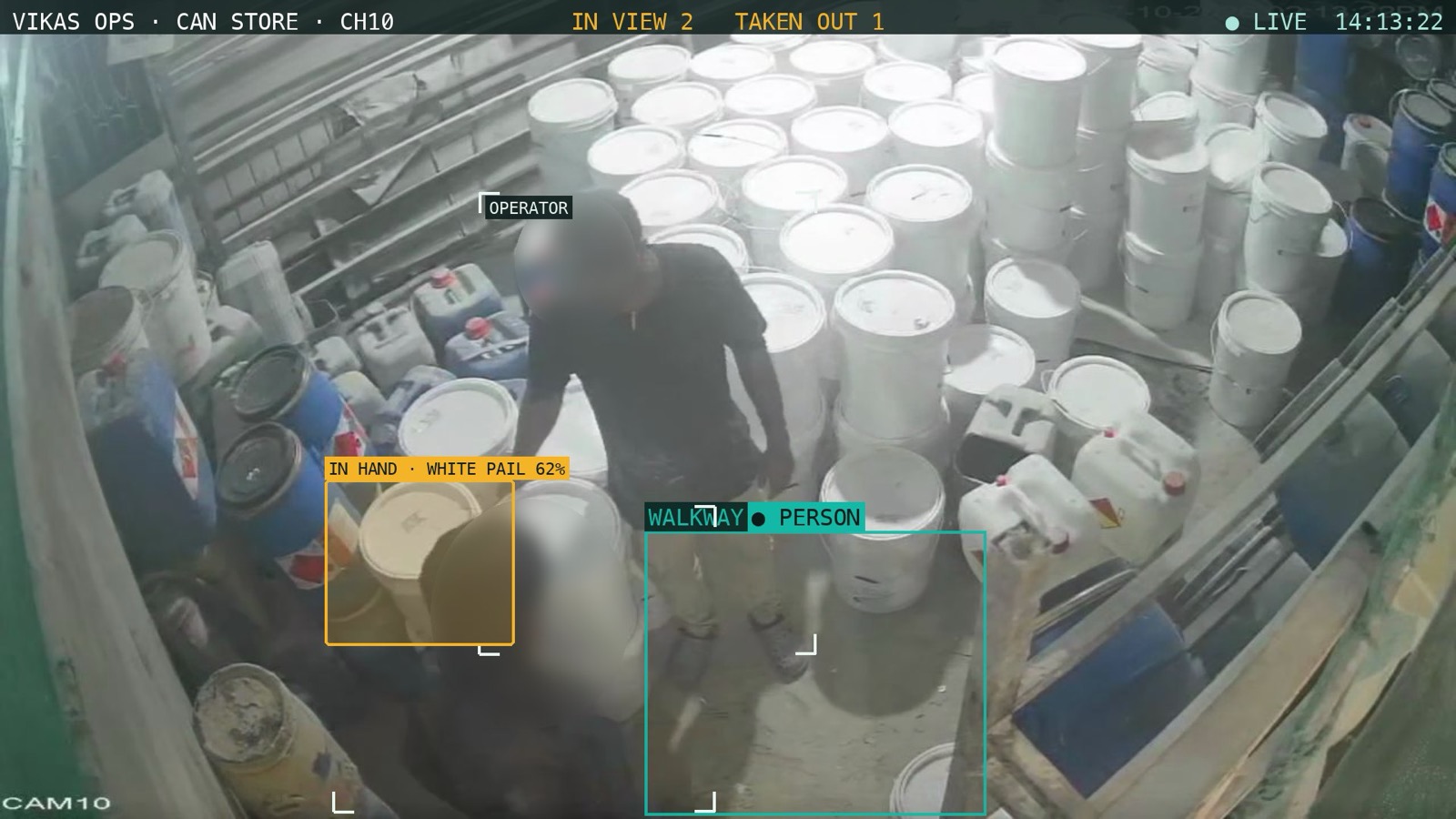
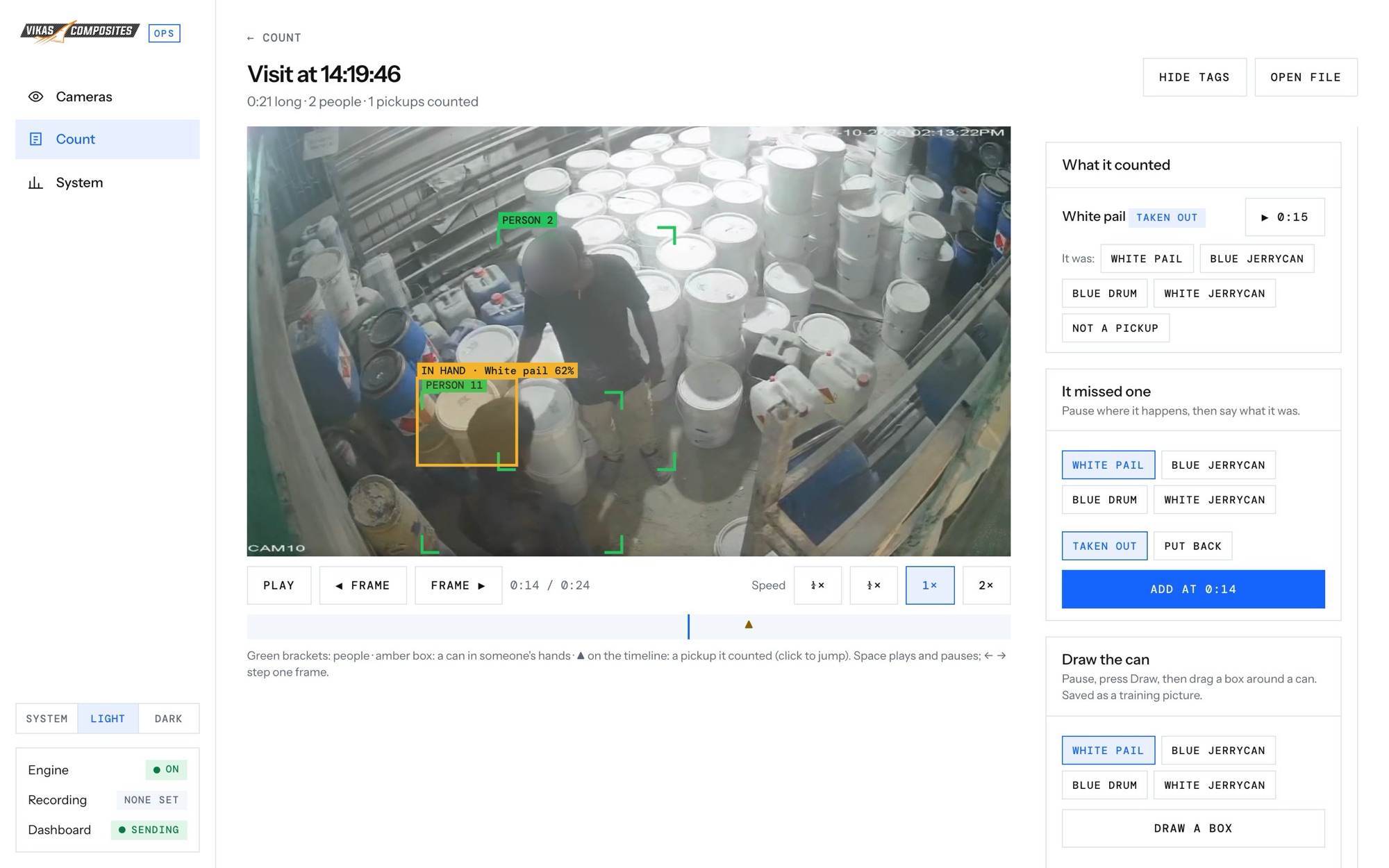
A camera over the raw material store follows each person who walks in. People can pick cans up and put them back as they like; only a can carried out of the door is counted. When someone leaves, the system looks back over the last few seconds of footage to see what was in their hands, so it still knows a resin pail from a gelcoat drum when the can was hidden at the door.
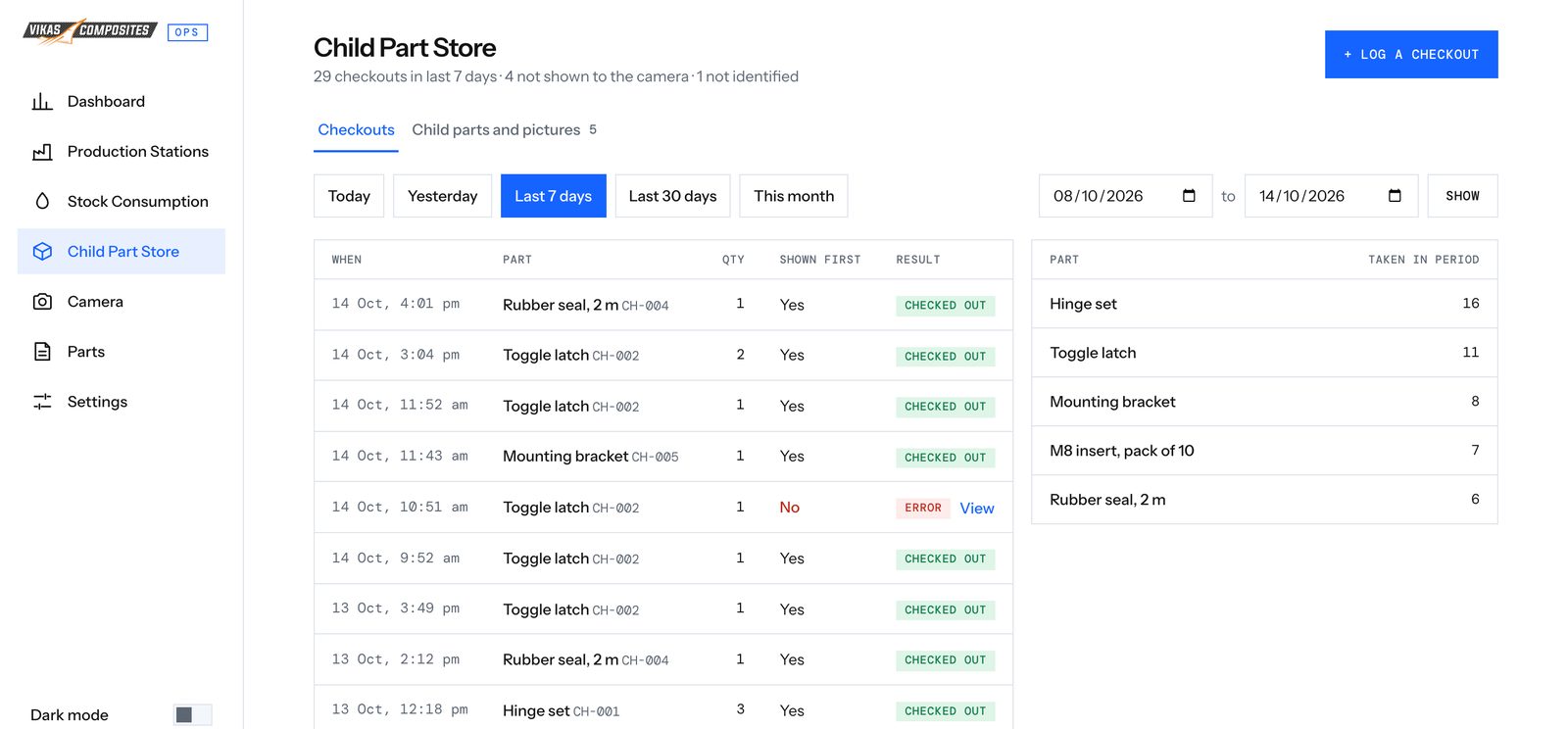
Every fitting taken from the store is shown to the camera first and identified. A part taken without being shown is flagged.
Every skipped step, early start and uncounted part becomes an alert with where and when it happened. The owner sees open alerts on a phone and marks them resolved once handled.
The factory PC runs a desktop app that starts the cameras on power-up and shows what the system is doing. Every store visit is saved as a clip with its labels drawn on. If it counted something wrong, anyone can pause the clip and correct it in two taps, and every correction becomes training data that makes the next count better.
Output, resin and gelcoat used, sequence compliance and errors for any period, each compared with the period before. Then output by part and material by type.
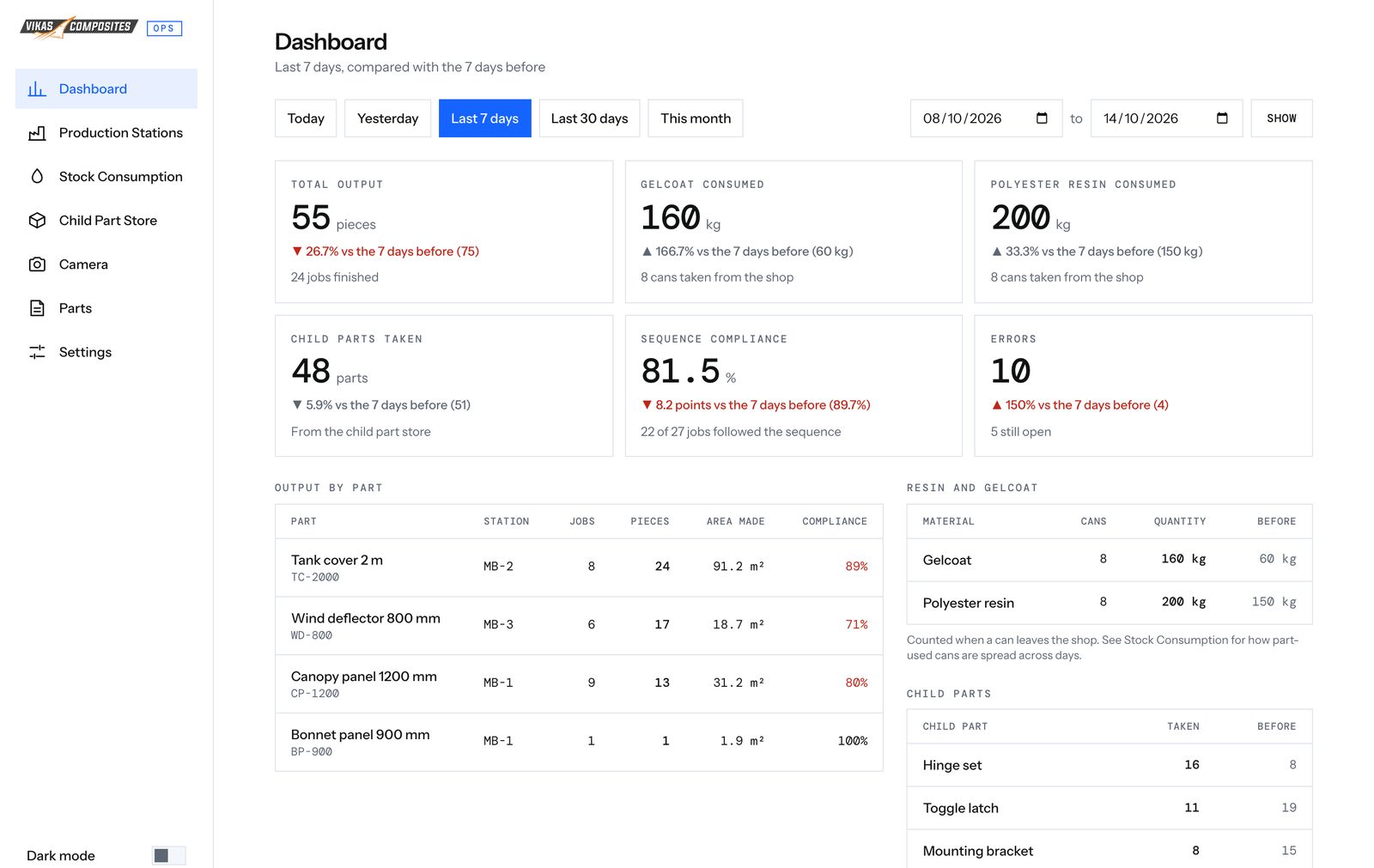
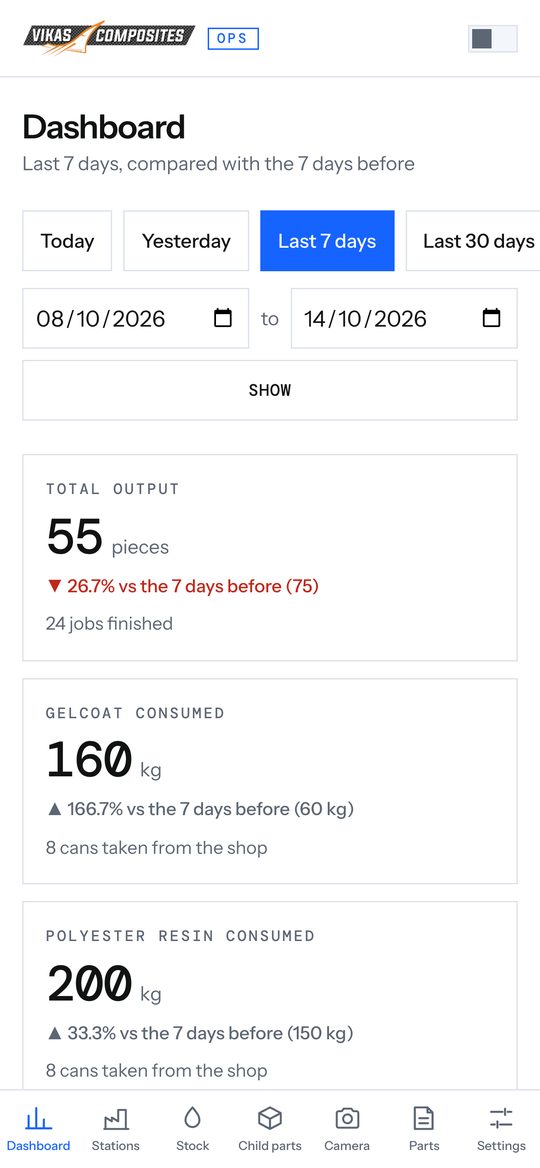
Dashboard screens shown with sample data. Camera images are real footage from the store, with faces blurred.
Tell us how your business runs. We'll call you and tell you what we would build.
or
Contact details not set yet. Add them at the top of site.js.